Review your on-site schedule now by accessing the NRF Events app! You can use the desktop or mobile versions, making it easy and convenient to relive your experience.
View this Quick Guide to navigating the app. (PDF download)

View the agenda and exhibitor list
Explore the exhibitor product descriptions
View speaker and session details
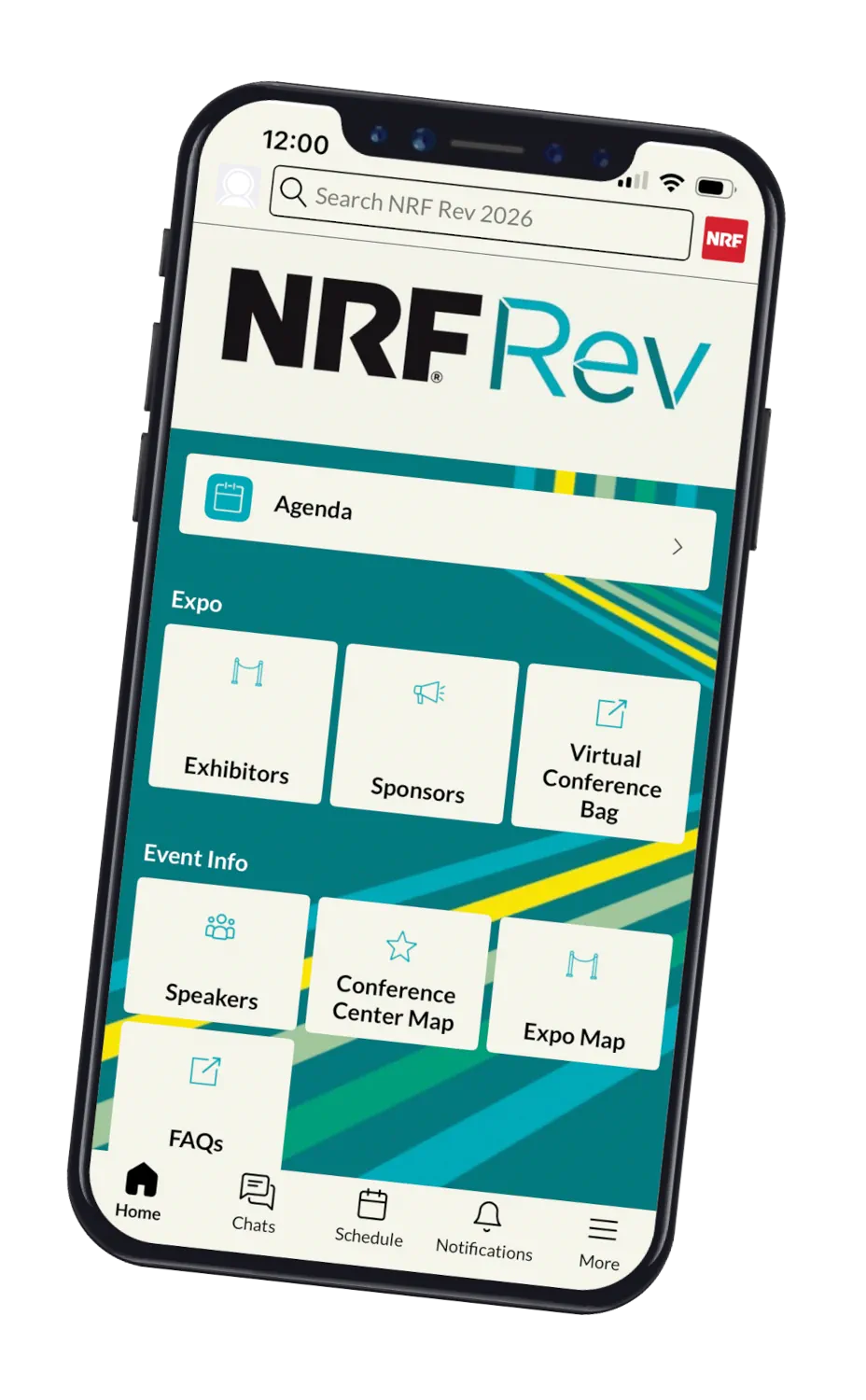
Access the desktop version and download the mobile version in your device's app store by searching "NRF Events" or scan the QR code.
Log in with your credentials.
Complete your profile setup:
Email address you registered with (case sensitive).
First time users: Enter your badge ID/registration ID (found in your registration confirmation).
Previous NRF Events app users: Enter your established password (click the "Forget Password" link if you need it to be reset).
Click on “Notifications” in the bottom navigation bar to enable messages.
Contact mobile app support at mobileapp@nrf.com.
